- by foxnews
- 07 Apr 2026
How to spot wallet verification scam emails
Scammers are sending fake MetaMask wallet verification emails using official branding to steal crypto information through phishing links and fraudulent domains.
- by foxnews
- 10 Dec 2025
- in technology

1.5 k views
These messages warn you to verify your wallet by following a link, but scammers use emails like this to steal your crypto information.
Sign up for my FREE CyberGuy ReportGet my best tech tips, urgent security alerts and exclusive deals delivered straight to your inbox. Plus, you'll get instant access to my Ultimate Scam Survival Guide - free when you join my CYBERGUY.COM newsletter.
MetaMask is a popular crypto wallet and browser extension that lets you store tokens and connect to blockchain apps on networks such as Ethereum. Because MetaMask is widely known and trusted, criminals impersonate it in phishing campaigns that ask users to "verify" wallets and then harvest recovery phrases or keys.
The scam email copies MetaMask visuals and even routes through a Zendesk address to look more professional, yet the "Verify Wallet Ownership" button points to an unrelated domain that has nothing to do with MetaMask. That mismatch between branding and destination is a major red flag in crypto phishing attacks. It also relies on classic pressure tactics and vague corporate language. The body reads:
Phrases like "Dear Valued User," "essential security measure" and "Action Required By" are common in phishing emails that pretend to be MetaMask and threaten restrictions if you do not comply. Genuine MetaMask support will direct you to metamask.io or official apps and will never ask you to reveal your secret recovery phrase through a link in an unsolicited email.
In this case, the message even claims to come from "МеtаМаsk.io (Support@МеtаМаsk.io)"
Zendesk is a legitimate customer support platform that many companies use to manage tickets and notifications. Scammers sometimes route fake alerts through such services or spoof similar addresses, so messages look like real support tickets, which can fool users who associate Zendesk branding with trust.
In this case, the presence of a Zendesk-style address does not make the message safe because the link still leads away from MetaMask's official website and asks you to react to manufactured urgency.
Taking the right precautions can protect your digital wallet and personal data from scammers.
The best way to safeguard yourself from malicious links that install malware, potentially accessing your private information, is to have strong antivirus software installed on all your devices. This protection can also alert you to phishing emails and ransomware scams, keeping your personal information and digital assets safe.
Keep it updated so it can block new phishing infrastructure and known scam domains.
Get my picks for the best 2025 antivirus protection winners for your Windows, Mac, Android and iOS devices at Cyberguy.com.
Always confirm that the address bar shows MetaMask's official domain or your wallet provider's genuine site before you sign in. If an email link sends you to a domain that looks odd, close it immediately.
Never enter your secret recovery phrase, password or private keys on a site you reached by email. MetaMask support will not ask for that information, and anyone who gets it can empty your wallet.
Data removal services can help reduce exposed personal details from data broker sites that attackers use to target victims by name and email. Less exposed information makes it harder for phishers to craft convincing wallet alerts tailored to you.
Check out my top picks for data removal services and get a free scan to find out if your personal information is already out on the web by visiting Cyberguy.com.
Get a free scan to find out if your personal information is already out on the web: Cyberguy.com.
Emails like the one from "sharfharef" use MetaMask's trusted name, polished design and alarming language to push you into clicking before you think. When you slow down, check the sender, read the wording and confirm the website address, you strip scammers of their biggest advantage, which is panic.
What questions do you still have about protecting your digital accounts and crypto wallets that you want us to answer in a future article? Let us know by writing to us at Cyberguy.com.
Sign up for my FREE CyberGuy ReportGet my best tech tips, urgent security alerts and exclusive deals delivered straight to your inbox. Plus, you'll get instant access to my Ultimate Scam Survival Guide - free when you join my CYBERGUY.COM newsletter.
Copyright 2025 CyberGuy.com. All rights reserved.
you may also like

- by foxnews
- 07 Apr 2026
Amazon job text scam warning signs

- by foxnews
- 06 Apr 2026
Humanoid robot shows speed and real skill



travel
- by foxnews
- descember 09, 2016
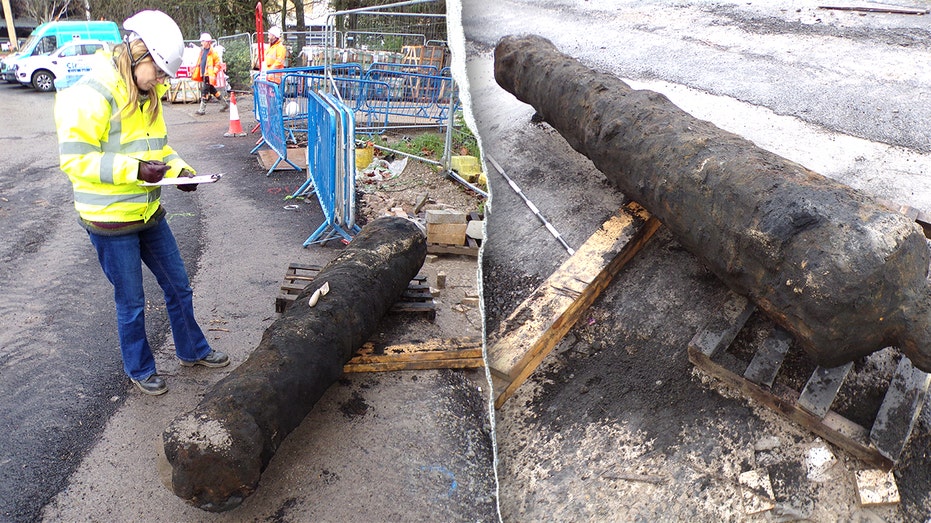
Construction crew unearths surprising 300-year-old cannon while digging in historic city
In only the third such discovery in 30 years, according to archaeologists, construction workers in Kingston upon Hull unearthed a rare 300-year-old cast-iron cannon.
read more